
Transaction Examples – Suppliers
- Fields (columns) with no data were hidden on the screenshots.
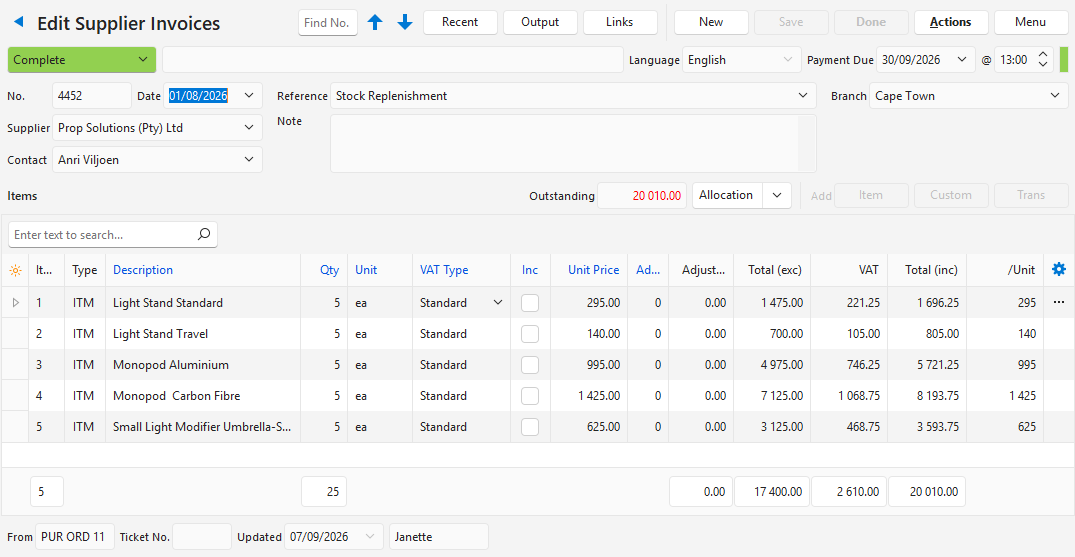
Supplier Invoices
- Supplier Invoices are invoices received from organisations or people that supply goods or services to you.
- Supplier invoice numbers are already printed on the supplier invoices; therefore, either the invoice number or reference field can be used to record the supplier’s invoice number. You choose which when you create the Transaction Type.
- The invoice entries can be pre-created items with supplier prices.
- Supplier Invoices can also have custom entries, for which the person creating the transaction enters the information and prices.
- You can specify a fixed ledger account (e.g. purchases or inventory accruals) or allow bookkeepers to select the ledger account when entering the transaction. These decisions must be made when you create the Transaction Type.
Supplier Debit Notes
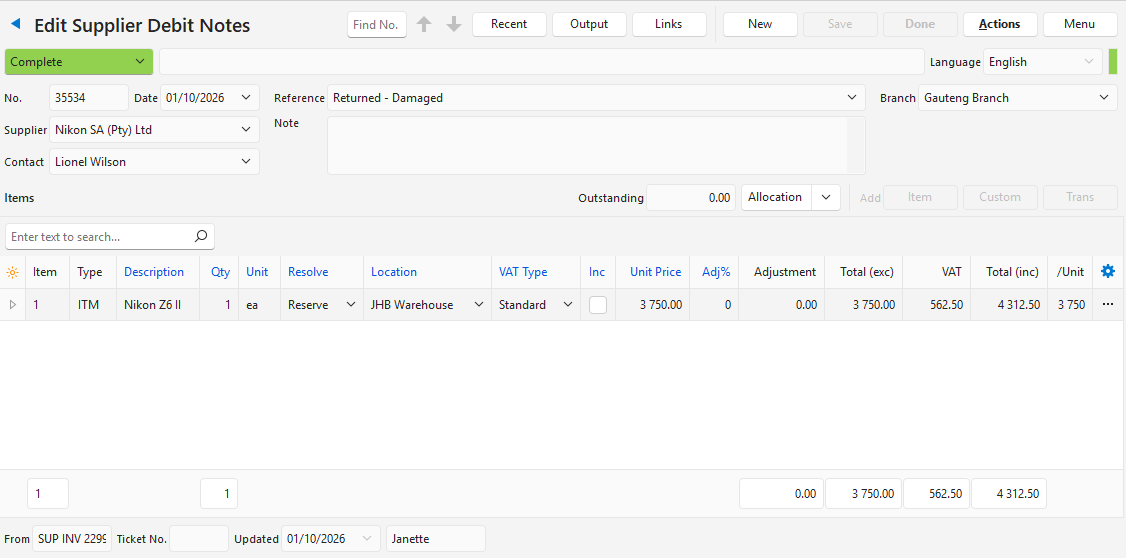
- Supplier Debit Notes are credits received when you return goods to your suppliers, or when you query a price and the supplier agrees to a reduction.
- The debit note numbers are typically generated by the suppliers; therefore, either the number or reference field can be used to record the supplier’s debit note number.
- Either statuses (awaiting debit note) or numbers (number pending) can be used as placeholders to show that a debit note is due but not yet received.
- To make sure the debits and credits end in the same ledger account, create debit notes by copying and editing supplier invoices.
- When you return goods, the entry’s Resolve is Reserve (as in the example below): the stock stays reserved until you complete a Goods Issued or Goods Returned to Supplier transaction, which removes it from stock.
Supplier Payments
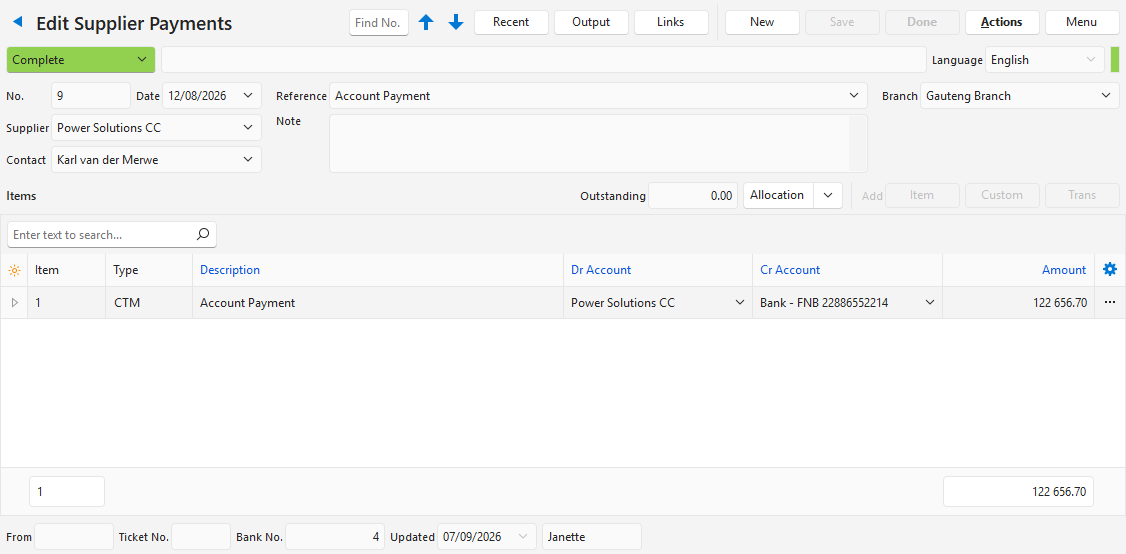
- Use Supplier Payments to record payments made to suppliers.
- If you have bank accounts in multiple currencies from which you pay suppliers, create a Supplier Payment Transaction Type for each currency.
- Ledger Transaction Tutorials has an example of how to record a transaction when a supplier is paid from a bank account that does not match the supplier’s currency.
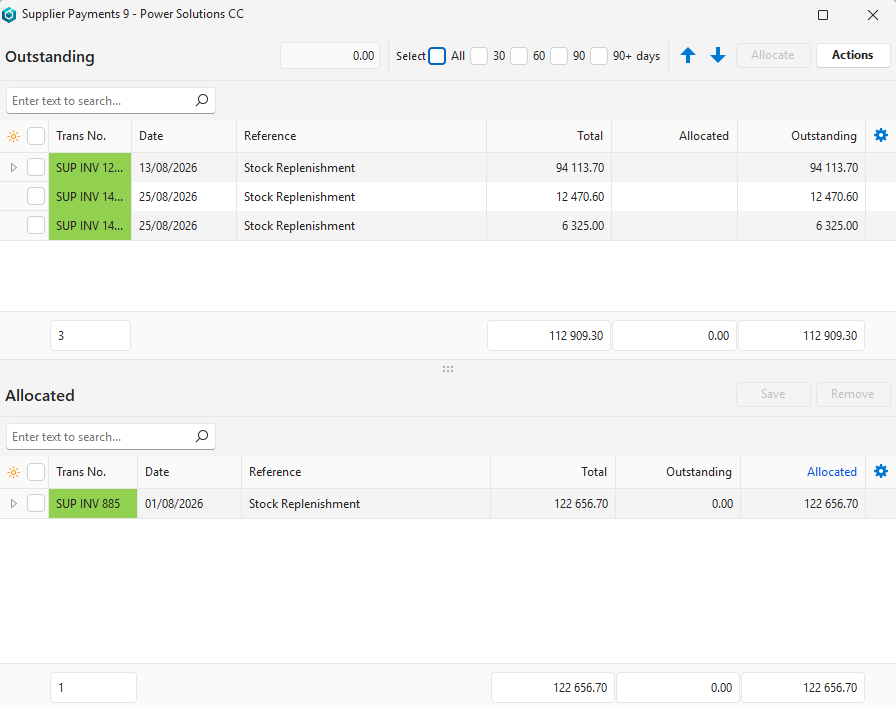
Allocating the payment to invoices:
Purchase Orders
See Transaction Examples – Production for Purchase Orders.