
Positions
You can create a lookup list for job positions. This list identifies the position of customer and supplier contacts.
💡These tutorials explain how to create, edit and delete the job positions of customer and supplier contacts.
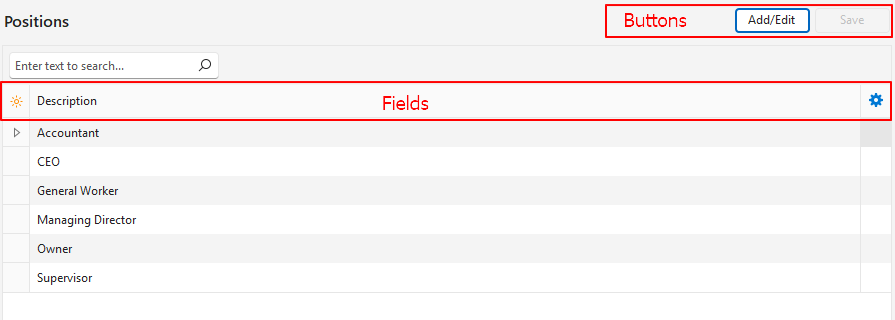
How to Create a Job Position
- Navigate to Edit Positions.
- Click Add/Edit (button) if it is not blue.
- Click anywhere in the top row where it shows: Click here to add a new row.
- Description = Enter the name of the position.
- Click Save (button).
- Close the popup with the X in the corner.
How to Edit a Job Position
- Navigate to Edit Positions.
- Click Add/Edit (button) if it is not blue.
- Click the description of the position and edit the text.
- Click Save (button).
- Close the popup with the X in the corner.
How to Delete a Job Position
Note
A position that is used for a staff member or an employee cannot be deleted. BOS shows the message “Delete Failed. This Position cannot be deleted because it is currently used in Staff.” (or “…in Employees.”).
- Navigate to Edit Positions.
- Right-click the position you want to delete and select Delete.
- Confirm the deletion on the popup.
- Close the popup with the X in the corner.