
Currency Settings
Overview
These settings determine whether multiple currencies are used and how they are converted. How currencies work in each module is explained on Currency Reference.
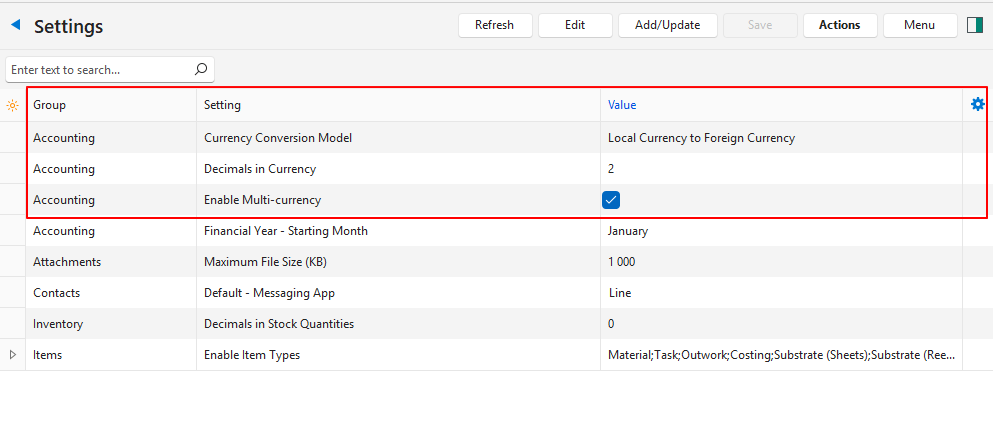
Settings
| Setting | Value | Default |
|---|---|---|
| Accounting > General Settings > Currency Conversion Model | Choose the currency conversion model:
| Local Currency to Foreign Currency |
| Accounting > General Settings > Decimals in Currency | Select the number of decimals (2 or 3) to use when converting currencies. | 2 |
| Accounting > Enable Multi-currency | Checkbox. If checked, multiple currencies can be used and bank accounts are assigned specific currencies. | Unchecked |