
Popups
- QuickEasy BOS has two interfaces: you either work in the main window or on a popup. Popups are mostly used for settings or to add items to transactions.
- When you close the main window, you are asked to confirm that you want to exit BOS. You are not asked to confirm closing a popup.
- Popups can be maximised but cannot be minimised. You can have more than one popup open at the same time.
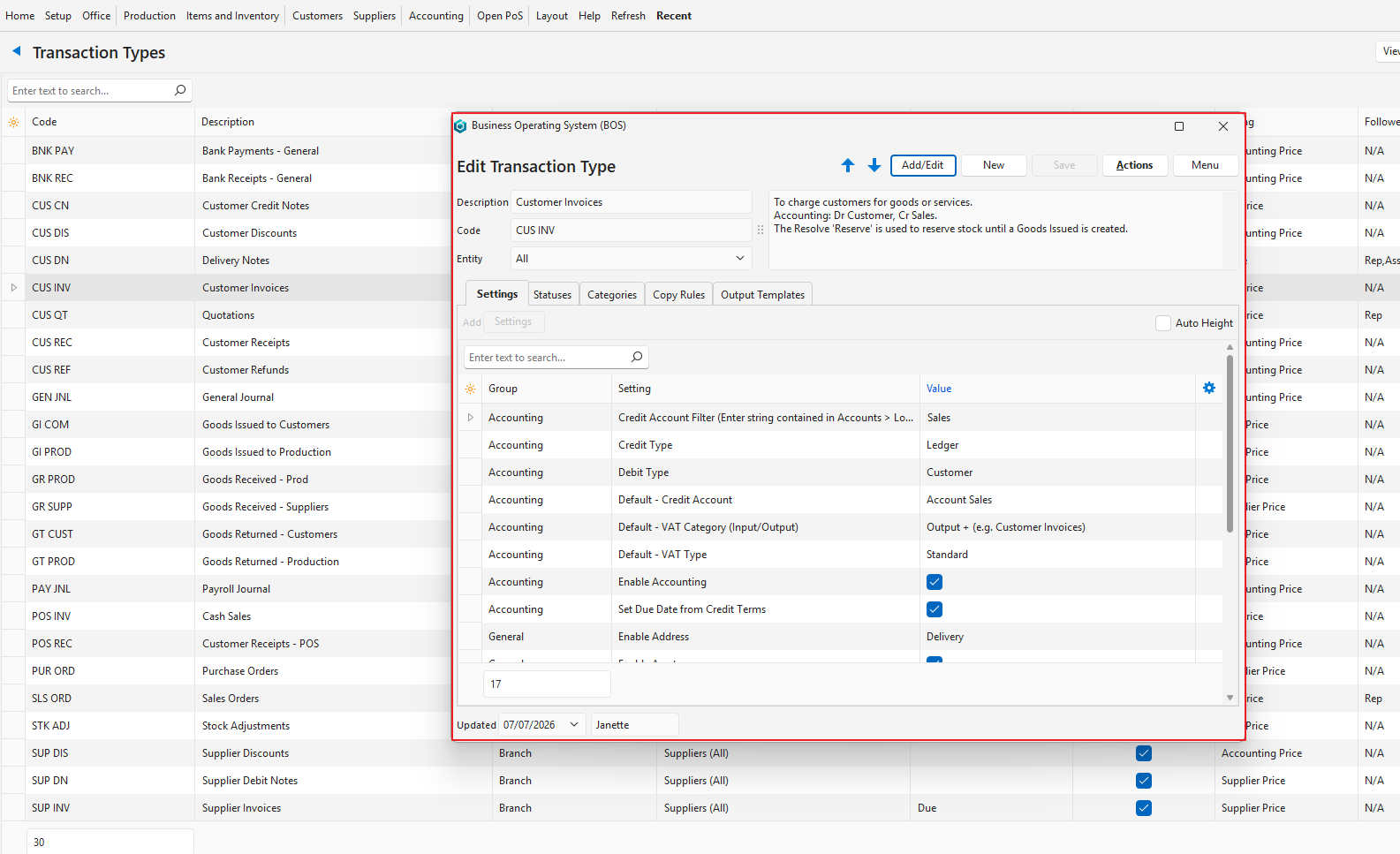
How to Close a Popup
Info
Closing a popup without saving does not necessarily discard the changes.
- Click the X in the top right corner.