
Calendar Types List View
The list view shows every Calendar Type. You can create multiple calendars and customise the settings for each calendar by creating a Calendar Type. Once created, a Calendar Type must be added to a Menu Group (any menu) before it can be used.
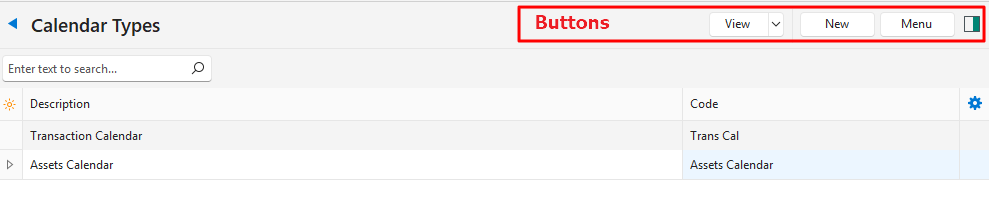
Buttons Explained
| Button | Description |
|---|---|
| View | Generates a list of entries as per the selected data filters. |
| Arrow on View | Reset Data Filter: Resets all the data filters. |
| New | Creates a Calendar Type. |
| Menu | Show Notes |
Fields Explained
| Field | Description |
|---|---|
| Field Chooser (*) | Add or remove columns. |
| ID | The system-generated number for the entry. |
| Description | The Calendar Type’s description. |
| Code | The Calendar Type’s brief description. |
| Created | The date on which the entry was created. |
| Updated | The date on which the entry was last updated. |
| Updated By | The user who last updated the entry. |
 | A submenu (also opened by right-clicking the entry) with these options:
|